Super Shout Showdown How to Use VRoid Avatars
Bring your anime avatar into the shout arena the right way.
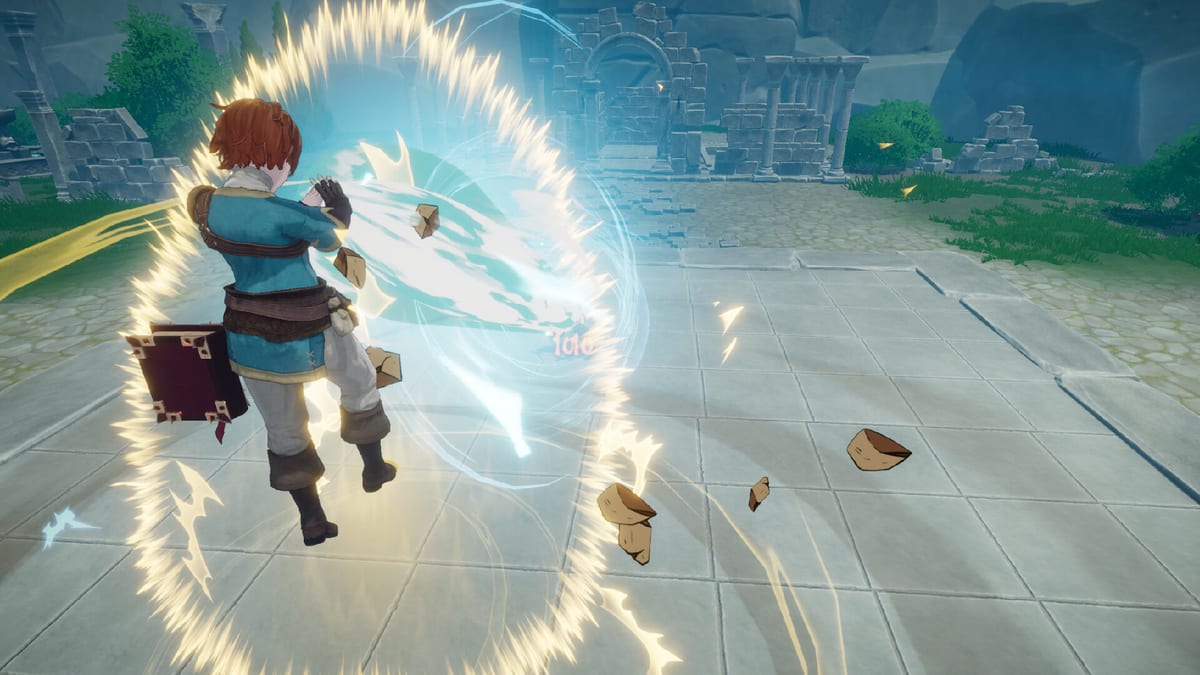
Super Shout Showdown supports VRoid characters so your caster looks as custom as your chants. You can design an avatar in VRoid or pick permitted Hub avatars, then enter battle as yourself — with one critical visibility rule.
Visibility rule you must remember
Other players see your VRoid avatar only if they also linked their VRoid Hub account. If they did not, they will not receive your custom model. This is official store-page behaviour, not a bug. Tell teammates to link Hub if fashion parity matters for content creation.
Setup overview
- Create or choose a VRoid avatar that fits the game’s fantasy combat vibe.
- Link VRoid Hub inside the game’s avatar / account flow.
- Confirm the model loads in the main menu mirror.
- Demo updates added logout / account-change controls if you need to switch Hub users — use them when a wrong account sticks.
- Queue a private lobby and verify animations during casts.
Performance and etiquette
Heavy avatars can cost frames on minimum GPUs. If shouting ASR already stresses VRAM, simplify hair/physics. Respect mature-content guidance: some outfits may appear revealing, and open mics already raise moderation stakes.
Cosmetics vs power
VRoid changes presentation, not spell DPS. You still need a real Build, clean Incantations, and mode sense from Guides. Do not postpone learning Lightning Dash because your shader is cute.
Content creator tips
Record with a linked Hub party so everyone sees custom models on stream. For trailers and thumbnails, capture clean lobby lighting before FFA chaos. Pair clips with strategy write-ups on How to Win Duels or Free-for-All.
Troubleshooting
Model missing for friends: they have not linked Hub.
Stuck account: use the logout button added in demo patches.
Game feels heavier: lower external avatar complexity; review System Requirements.
Next steps
Return to Getting Started if you skipped combat basics, or visit Review for whether the avatar fantasy elevates the multiplayer loop for you.
Frequently Asked Questions
Quick answers to the most common questions.
Is VRoid required?
No. It is optional customisation.
Why do opponents see a default body?
They likely have not linked VRoid Hub on their client.
Can I use any Hub avatar?
Use permitted avatars per VRoid Hub and game rules.
Does VRoid affect matchmaking?
No evidence it changes skill matchmaking — it is cosmetic integration.
Where do I learn combat after cosmetics?
Open the [Controls Hub](/controls/) and [Spell Tier List](/tier-list/).