Super Shout Showdown Controls Hub
Master every casting input so your spells leave the Grimoire on time.
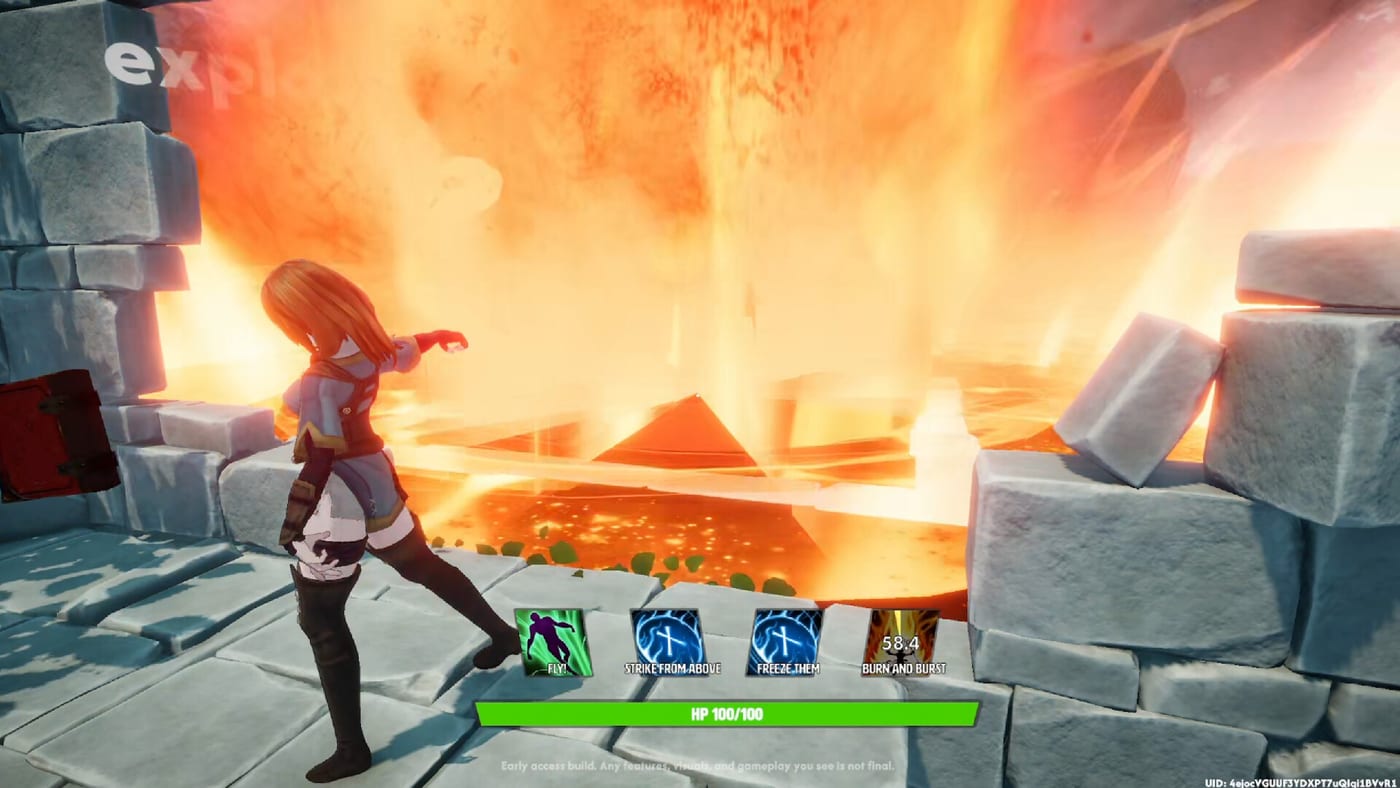
Controls in Super Shout Showdown are the difference between anime fantasy and lobby comedy. The game offers three first-class casting methods — Shouting, Typing, and Tapping — plus normal movement, camera, and menu binds. This hub routes you to deep dives and covers shared settings that trip new players.
Choose your casting path
Shouting Mode is the headline fantasy: speak or yell custom incantations into a microphone and watch ASR fire the matching spell. Read Shouting Mode for mic placement, noise gates, and language packs.
Typing Mode lets you type incantations mid-fight when you cannot shout. Ideal for shared spaces, streamers protecting neighbours, or players whose ASR mishears accents.
Tapping Mode turns casts into timing / QTE challenges for mouse and controller users. Details live on Typing & Tapping.
Settings that matter across modes
Demo updates separated Push-to-Talk for voice chat vs spell casting. Bind them deliberately or you will mute yourself at the worst moment. UI language and spell recognition language are also separate — set recognition to the language you actually chant.
Mouse sensitivity defaults were adjusted for common DPI values; after updating, recalibrate before ranked duels. If movement feels sticky after multi-cast glitches, reinstall the latest demo or EA build and retest.
Hardware reality
Minimum specs live on System Requirements. Voice recognition prefers 6GB+ VRAM. Weak GPUs add latency that feels like “broken binds.” Before remapping everything, verify performance.
Accessibility and comfort
You never need a mic to play. Many duelists main Typing Mode and still climb. Controllers belong in Tapping Mode practice routines. If open-mic culture bothers you, prefer typing lobbies or push-to-talk discipline.
Practice loop
- Enter a private lobby from Getting Started.
- Test each casting mode with the same three spells.
- Rewrite failing chants via Incantations.
- Lock a Build that matches your winning mode.
- Take it into Duel before FFA chaos.
Related wiki routes
- Spell List for what you are casting
- Modes Hub for why timing windows differ
- Review for whether the control fantasy clicks for you
Master controls first. Flashy ultimates cannot save inputs that never register.
Frequently Asked Questions
Quick answers to the most common questions.
Which casting mode is best?
Shouting for the fantasy and potential power fantasy, Typing for reliability in quiet spaces, Tapping for controller timing fans. Comfort beats theory.
Why can others not hear me even if spells cast?
Spell PTT and voice-chat PTT are separate. Enable the chat bind or check Steam voice settings.
Do I need 6GB VRAM?
The game runs without it, but ASR latency and accuracy improve on 6GB+ GPUs per official notes.
Where are shouting specifics?
See the dedicated [Shouting Mode](/controls/shouting/) guide.