Super Shout Showdown How to Use the Grimoire
Treat the Grimoire as your spell lab — unlocks, chants, previews, and loadout truth live here.
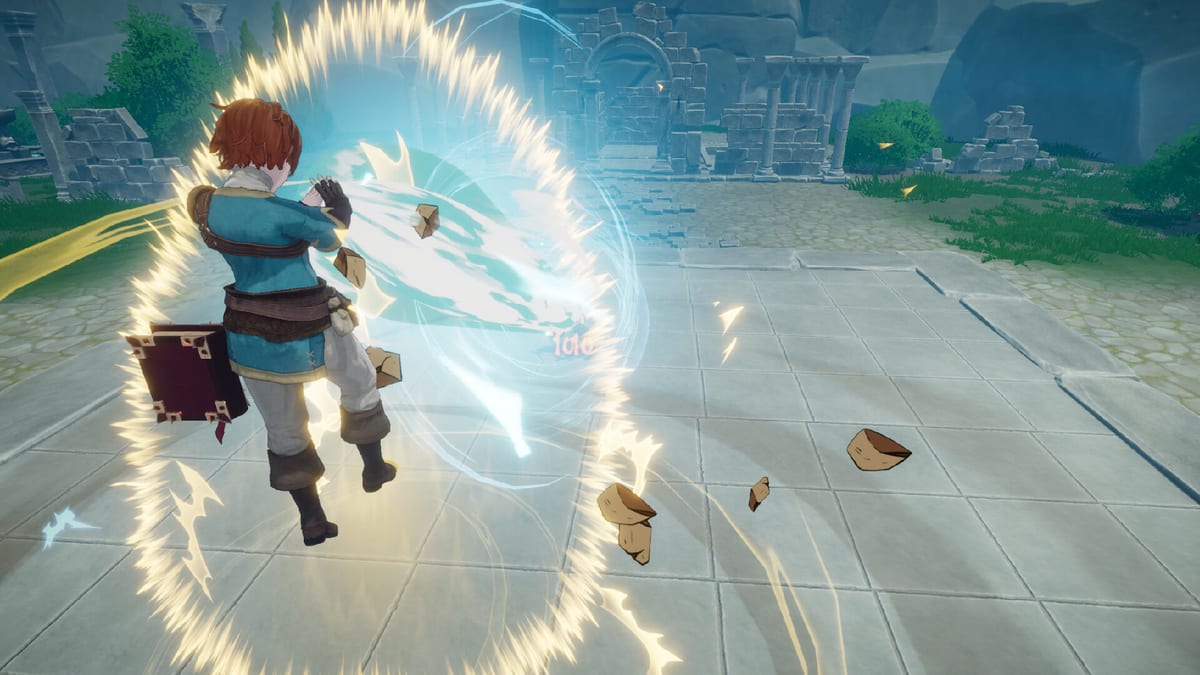
The Grimoire is Super Shout Showdown’s spell management hub. Official notes describe viewing spell details such as incantations, cooldown, video preview, and attributes, plus rewriting custom chants. Demo QoL later let you open it from the lobby Grimoire button so you never bounce to the title screen mid-session.
What you can do inside
- Inspect each spell’s cooldown and status attributes (slow, burn, root, stun, knockback, and more as patches expand).
- Rewrite cast phrases for Shouting, Typing, or both.
- Set display names other players can see.
- Unlock new spells as rewards unlock — see Progression.
- Preview cast fantasy before you bring a risky Explosion-length chant into a Duel.
Lobby workflow
Enter a lobby → open Grimoire → edit two spells max per tweak cycle → warm up in private or bot practice if available → queue. Separating UI language from recognition language belongs in settings, but the Grimoire is where the phrase must match what your mouth or keyboard will execute.
Floating Grimoire cue
Patch notes mention a floating Grimoire visual beside your character while chanting — use it as a cast-state indicator so you know when you are committed to a long line.
Loadout discipline
Do not fill every slot with long ultimates. Pair Grimoire edits with the Spell List, Tier List, and Incantation Planner. After Heal nerfs and Dark Pulse retunes, re-open the Grimoire the same day a Patch Notes entry drops.
FFA interaction
In Free-for-All, defeated players can drop grimoires you pick up to swap kits mid-match. That makes lobby preparation less permanent — still craft a core kit you can cast under stress. Details: Secret Spells and FFA Guide.
Common mistakes
- Editing ten chants at once and forgetting which string is live.
- Ignoring cooldown text and stacking three long casts.
- Assuming display names equal ASR strings.
- Skipping lobby Grimoire access and wasting time in menus.
Next steps
New players: Getting Started. Mic issues: Mic Troubleshooting. Mode practice: Duel.
Frequently Asked Questions
Quick answers to the most common questions.
Can I open Grimoire in lobby?
Yes — demo updates added a lobby Grimoire button.
What info is shown?
Incantations, cooldown, preview, and attributes per official descriptions.
Do picked-up FFA grimoires stay forever?
Treat them as in-match swaps; keep a prepared core kit.
Where do I practise new chants?
Private lobbies, bots if available, then Duels.
Related tool?
Use the [Incantation Planner](/tools/incantation-planner/) before saving phrases.