Super Shout Showdown Shouting Mode Guide
Cast like an anime protagonist — with microphone hygiene that actually works.
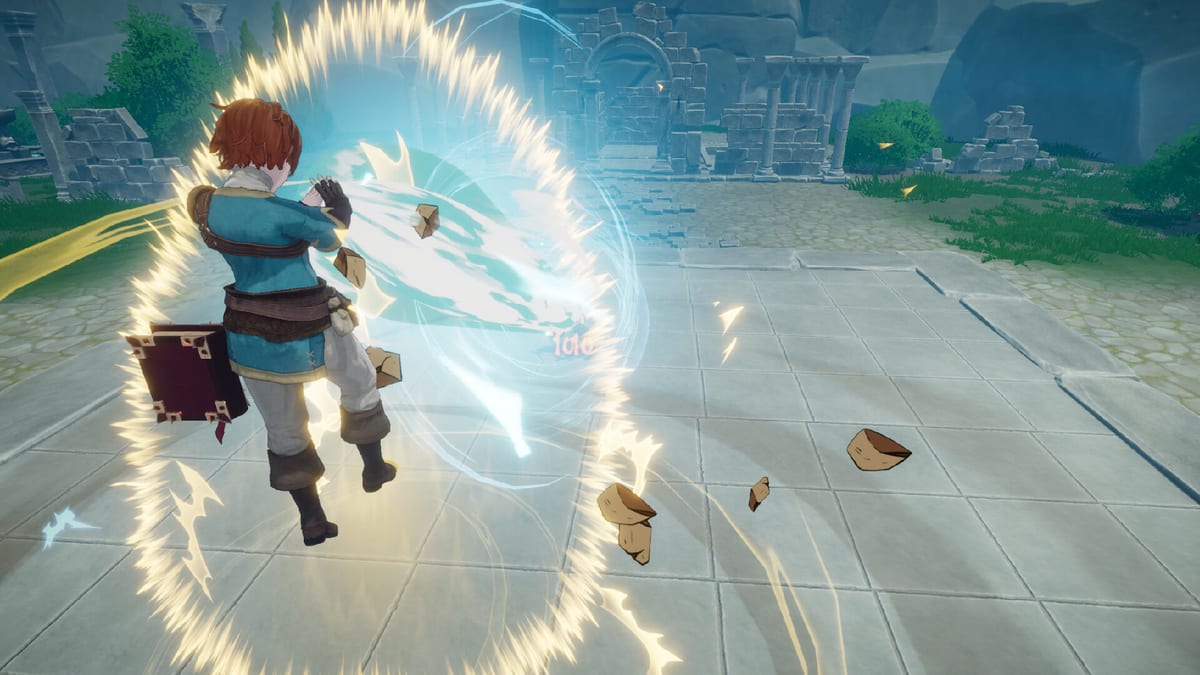
Shouting Mode is Super Shout Showdown’s signature system. You configure custom incantations, hold the spell-cast push-to-talk (separate from voice chat), and speak the phrase so the automatic speech recognition model fires the matching spell. Done well, it feels magical. Done poorly, you yell into the void while an Energy Bomb eats your health bar.
Before you queue
- Use a headset mic 5–10 cm from your mouth or a decent USB mic with a pop filter.
- Close background apps that hijack exclusive audio modes.
- Confirm Windows default recording device matches the in-game device.
- Set spell recognition language to the language you will chant — independent from UI language.
- Verify GPU headroom; ASR prefers 6GB+ VRAM.
Craft shout-friendly phrases
Short, punchy, phonetically distinct beats poetic paragraphs. Avoid near-homophones across your kit. Japanese players benefit from prolonged sound mark fixes shipped in demo patches. English players should stress consonants ASR often drops in chaos. Deepen the craft on How to Set Incantations and stress-test ideas in the Incantation Planner.
ASR model choices
Demo builds added a speech recognition test plus models such as Fast, Balanced, and High Accuracy. Fast cuts latency; High Accuracy helps accents and noisy rooms; Balanced is the default compromise. Retest after every Patch Notes entry that mentions ASR.
Mid-fight habits
- Breathe before long ultimates like Explosion — longer chants can empower spells when you finish them cleanly (Incantations).
- After you get hit, try a recovery scream if your build supports health regain from shouting under pressure.
- Do not stack voice chat storytelling on the cast bind.
- If ASR fails twice, swap to Typing Mode instead of tilting.
- Rehearse Lightning Dash and Heal phrases until they are muscle memory.
Troubleshooting checklist
Spells fire but teammates hear silence: chat PTT is off or misbound.
Nothing recognises you: wrong recognition language, muted device, overloaded GPU, or wrong ASR model.
Chinese recognition issues: demo hotfixes specifically improved Chinese ASR — update the build.
Crashes when testing shout rooms: community boards reported instability for some users; verify game files and report on Steam discussions.
Full walkthrough: Mic & ASR Troubleshooting.
Video reference
The official demo announcement trailer below shows the fantasy you are aiming for. Match that energy only after your mic levels are stable.
Mode pairing
Shouting Mode dominates content marketing, but winners still understand Typing & Tapping as backups. For duel pacing tips see How to Win Duels. For spell priorities see the Tier List. Edit kits in the Grimoire.
Etiquette
Open mics can include strong language — the Steam mature description warns about this. Use PTT, respect shout-only rooms, and keep cursed chants in lobbies that want them.
Return to the Controls Hub when you need the wider input map.
Frequently Asked Questions
Quick answers to the most common questions.
Does shouting do more damage?
Longer successful chants can empower spells per developer messaging, and recovery screams may restore health after hits — but reliability still depends on recognition. Clarity first.
Which languages work for voice casting?
Steam lists extensive interface languages, and developer posts highlight many recognition languages including English, Japanese, Chinese variants, Indonesian, and more. Match recognition to your chant language.
Can I whisper instead of shout?
Yes if the mic and ASR still detect you. Consistency matters more than volume abuse.
What if roommates hate shouting?
Switch to Typing or Tapping Mode — both are fully supported.
Where do I unlock more spells to shout?
Use the Grimoire from lobby or menu, and chase FFA spellbooks when you queue that mode.